The Ultimate IPTV Streaming Guide: Everything You Need to Know in 2024
What Is IPTV and How Does It Work?
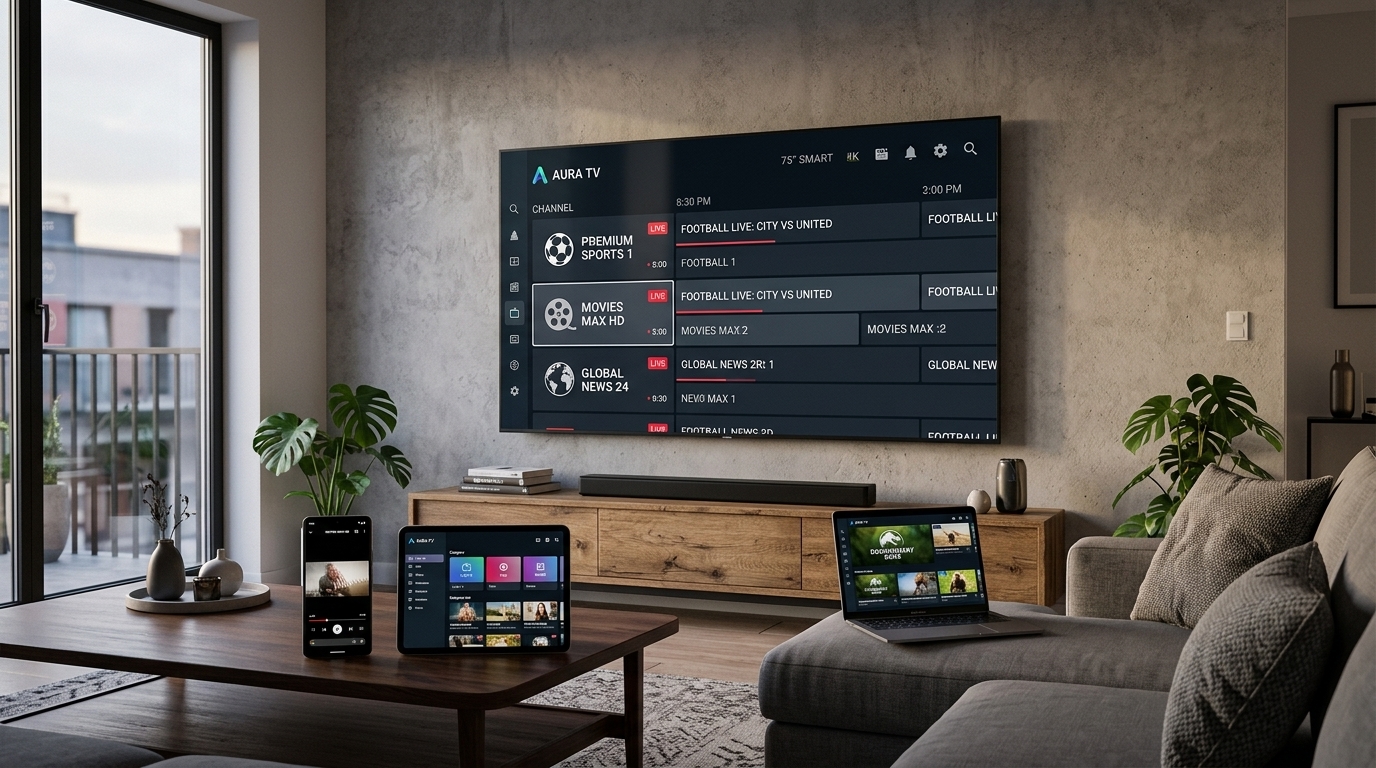
IPTV — Internet Protocol Television — is a method of delivering television content over the internet rather than through traditional satellite or cable signals. Instead of tuning into a broadcast frequency, your device connects to a server that streams video data directly to you over your existing broadband connection.
This shift from broadcast to on-demand delivery is what makes IPTV so powerful. Because the content is delivered over IP networks, providers like Smarter Stream TV can offer access to 45,000+ live channels, 220,000+ VOD titles, and EPG (Electronic Programme Guide) data — all from a single subscription.
How the Delivery Chain Works
When you press play on a live channel or VOD title, here is what happens behind the scenes:
- Your IPTV player sends a request to the provider’s content delivery network (CDN)
- The CDN authenticates your subscription credentials
- A video stream is routed from the nearest edge server to your device
- Your device decodes the video and audio in real time
Smarter Stream TV operates a globally distributed server infrastructure spanning 160+ countries, meaning the stream originates from a node close to you — reducing latency and the risk of buffering.
IPTV vs Cable vs Satellite: A Clear Comparison
Understanding where IPTV sits relative to traditional TV services helps clarify its advantages:
| Feature | Cable TV | Satellite TV | IPTV |
|---|---|---|---|
| Installation required | Yes | Yes | No |
| Hardware required | Set-top box | Dish + box | Any internet device |
| Channel count | ~200–500 | ~300–800 | 10,000–50,000+ |
| VOD library | Limited | Limited | 100,000–250,000+ |
| Availability | Regional | Wide but weather-dependent | Anywhere with internet |
| Monthly cost | £30–£80 | £25–£70 | £5–£20 |
| Contract required | Often 12–24 months | Often 12–24 months | Flexible |
The flexibility of IPTV is its strongest selling point. You are not tied to a contract, locked to a specific region, or dependent on a dish that fails in bad weather.
What Devices Support IPTV Streaming?
One of IPTV’s greatest strengths is device compatibility. Smarter Stream TV supports streaming on:
- Amazon Firestick and Fire TV — the most popular IPTV device worldwide; use IPTV Smarters or TiviMate
- Android smartphones and tablets — direct app access via Google Play or sideloading
- Android TV boxes (Nvidia Shield, Formuler, etc.) — excellent performance with TiviMate
- Smart TVs (Samsung, LG, Sony, Philips) — use the built-in app store or sideload APKs
- Apple TV — use GSE Smart IPTV or IPTV Smarters from the App Store
- iPhone and iPad — same apps as Apple TV; full playlist and EPG support
- Windows PC and Mac — use VLC, Kodi, or web-based players
- MAG boxes — dedicated IPTV set-top boxes; configured via portal URL
You can use it on virtually any device — Firestick, Android, Smart TV, iPhone, Windows, Mac, Apple TV, or browser.
Internet Speed Requirements for Smooth Streaming
Your internet connection is the single most important factor affecting IPTV quality. Here are the minimum and recommended speeds for each quality level:
Speed Guidelines by Quality
- SD (Standard Definition): 5 Mbps minimum, 8 Mbps recommended
- HD (720p/1080p): 10 Mbps minimum, 15 Mbps recommended
- Full HD (1080p) with EPG: 15 Mbps minimum, 25 Mbps recommended
- 4K Ultra HD: 25 Mbps minimum, 40 Mbps recommended
- 4K HDR: 35 Mbps minimum, 50 Mbps recommended
If you are streaming on a high-bandwidth connection, a speed test at speedtest.net during peak evening hours (7 pm–10 pm in your timezone) gives a realistic picture of your available bandwidth.
Testing Your Connection
Before subscribing, run a speed test at speedtest.net during peak evening hours (7 pm–10 pm in your timezone). This represents your real-world available bandwidth, not the headline figure your ISP advertises.
Choosing the Right IPTV Plan
Smarter Stream TV offers two primary plan tiers — Standard and Premium — with pricing that scales based on the number of devices and subscription duration.
Standard Plan
Ideal for individuals or households wanting reliable access to live TV and VOD content. Includes:
- Access to 45,000+ live channels
- 220,000+ VOD titles
- Full EPG with 7-day catch-up
- HD and Full HD quality streams
- 24/7 technical support
Premium Plan
Designed for households and power users who want the best possible experience. Everything in Standard, plus:
- 4K Ultra HD channels where available
- Expanded sports package including premium sports channels
- Priority server routing during peak hours
- Dedicated account manager
Duration and Pricing Strategy
Longer subscriptions offer significantly better value. A 12-month subscription typically costs 50–60% less per month than a rolling monthly plan. If you are confident the service meets your needs after a free trial, locking in an annual subscription is the smartest financial decision.
Setting Up Your IPTV Subscription: Quick-Start Steps
Getting started with Smarter Stream TV takes less than 10 minutes:
- Sign up — visit smarterstream.tv and request your free trial
- Receive credentials — your M3U playlist URL, username, and password are emailed within minutes
- Install your player — download IPTV Smarters Pro or TiviMate on your device
- Add your playlist — enter your M3U URL or Xtream Codes API details in the player
- Browse and watch — your full channel list and VOD library are ready immediately
The entire activation process is instant. There is no waiting period, no hardware to order, and no engineer visit required.
Common IPTV Terms Explained
If you are new to IPTV, some of the terminology can be confusing. Here is a quick reference:
- M3U / M3U8: A playlist file format that lists all your channel stream URLs; this is what your IPTV player reads
- Xtream Codes API: An alternative login method using server URL, username, and password instead of an M3U file
- EPG: Electronic Programme Guide — the on-screen TV guide showing what is on now and next
- Catch-Up TV: The ability to watch programmes that aired in the last 7 days
- VOD: Video on Demand — a library of movies and TV series you can watch at any time
- Buffer: Temporary pre-loading of video data; a larger buffer reduces stuttering on unstable connections
- Bitrate: The amount of data per second in a video stream; higher bitrate = better quality = more bandwidth required
Getting the Most Out of Your Free Trial
Smarter Stream TV offers a free trial so you can evaluate every aspect of the service before committing to a paid plan. During your trial period, we recommend:
- Testing live TV across sports, news, and entertainment categories
- Trying VOD titles in both HD and 4K where your device supports it
- Testing EPG accuracy and catch-up TV functionality
- Checking stream quality during peak evening hours (7 pm–10 pm)
- Testing EPG accuracy and catch-up TV functionality
If you encounter any issues during the trial, our 24/7 support team is available via WhatsApp to help you get the best possible experience before you decide.
Ready to start streaming? Claim your free trial now — no credit card required.
Related Articles
-
 Streaming Guides
The Complete IPTV Streaming Guide: Channels, VOD, and Everything In Between
Your definitive guide to IPTV streaming in 2024 — covering how IPTV works, the best devices, internet speed requirements, EPG, catch-up TV, and how to pick the perfect plan for your household.
Smarter Stream TV Team 8 min read -
 Troubleshooting
How to Fix IPTV Buffering Issues: The Complete Troubleshooting Guide
A step-by-step diagnostic guide for resolving IPTV buffering, freezing, and stream quality issues on any device. Covers network problems, player configuration, device performance, and when to contact your provider.
Smarter Stream TV Team 10 min read -
 Technology News
The Future of IPTV Technology: What's Coming in 2025 and Beyond
An in-depth look at the technologies reshaping IPTV streaming — from AV1 codec adoption and AI-driven upscaling to low-latency live protocols, 8K readiness, and the convergence of streaming and social media.
Smarter Stream TV Team 8 min read