The Complete IPTV Streaming Guide: Channels, VOD, and Everything In Between
What Is IPTV Streaming and Why Is It Taking Over?
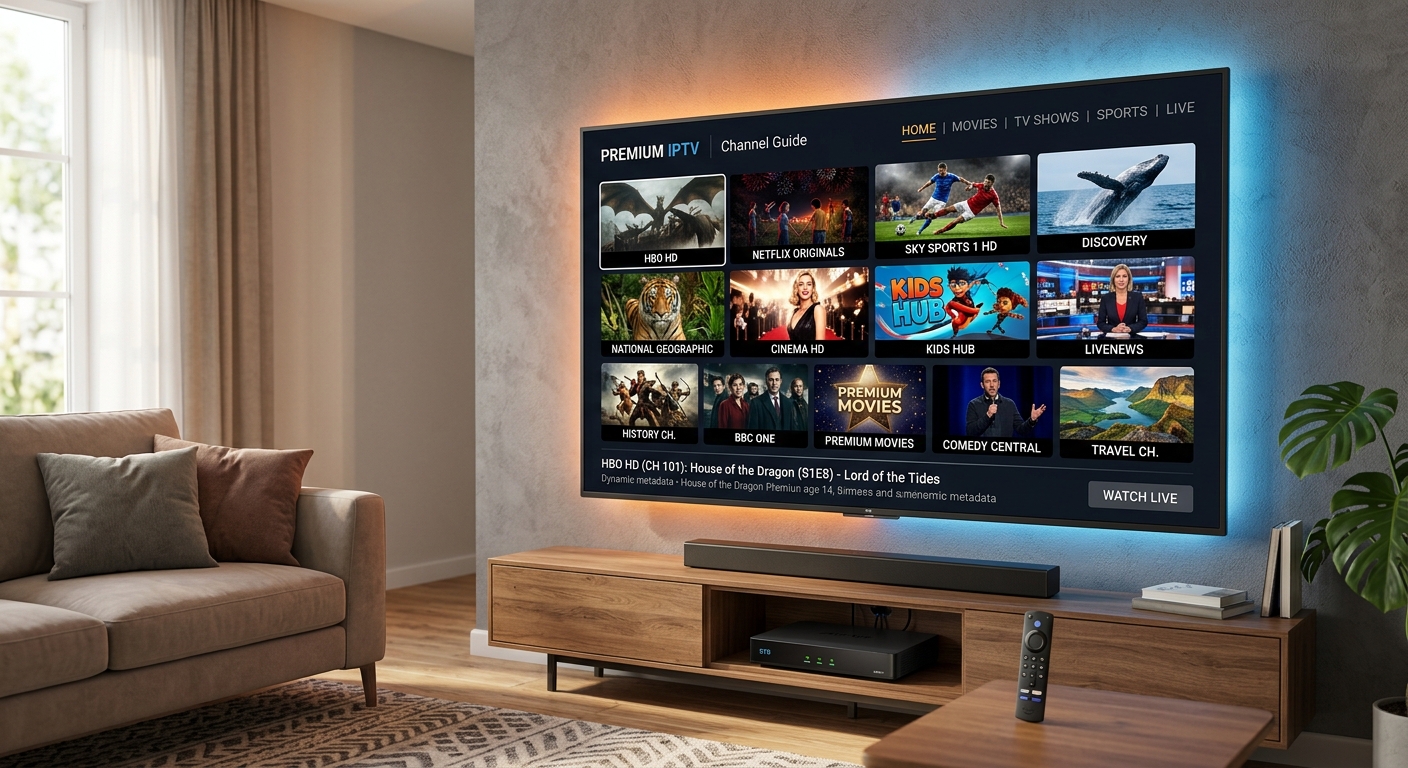
Television has changed beyond recognition in the past decade. Where once viewers were tethered to a cable box or satellite dish, today’s audiences expect to watch what they want, when they want, on whichever device they happen to be holding. This is exactly what IPTV — Internet Protocol Television — delivers.
IPTV streams television content over broadband internet rather than via traditional broadcast frequencies or physical cables. The result is a service that offers vastly more content, greater flexibility, and significantly lower cost than legacy TV providers. Smarter Stream TV, for example, delivers over 45,000 live channels and 220,000+ VOD titles to customers across 160+ countries — all from a single, flexible subscription.
In this complete guide, we walk you through everything you need to know to get the most out of your IPTV experience.
How IPTV Streaming Works: The Technical Picture
Understanding the basics of how IPTV works helps you troubleshoot issues and optimise your setup. Here is the simplified delivery chain:
- Content ingestion: Live broadcast signals (sports, news, entertainment) are received by the IPTV provider and re-encoded as digital streams.
- CDN distribution: The encoded streams are pushed to a globally distributed Content Delivery Network (CDN), placing copies of each stream close to viewers worldwide.
- Authentication: When you press play, your IPTV player sends your credentials (M3U URL or Xtream Codes login) to the provider’s authentication server.
- Stream delivery: The nearest CDN node begins streaming video data to your device in real time.
- Decoding and playback: Your device’s media player decodes the video and audio stream, rendering it on screen.
Because streams originate from the closest available server node, latency is minimised and the chance of buffering is significantly reduced — particularly for users who choose a provider with a robust, globally distributed infrastructure.
Types of IPTV Content: Live TV, VOD, and Catch-Up
A premium IPTV subscription like Smarter Stream TV offers three distinct categories of content:
Live TV
Live TV channels stream in real time, exactly as you would watch them on traditional television. The difference is the sheer volume — instead of 200–300 channels from a cable provider, you get access to thousands of channels from the UK, US, Europe, the Middle East, Asia, and beyond. Sports, news, entertainment, children’s, and niche channels are all included.
Video on Demand (VOD)
The VOD library contains movies and full TV series that you can watch at any time. Smarter Stream TV’s VOD collection covers Hollywood blockbusters, international cinema, classic TV series, and the latest streaming originals. Content is searchable and browsable by genre, year, and language.
Catch-Up TV
Catch-up TV allows you to rewind the live TV schedule by up to 7 days and watch programmes you missed. This is powered by time-shifted recording on the provider’s servers, and it works without any action required on your part — simply scroll back in the EPG and press play.
EPG (Electronic Programme Guide)
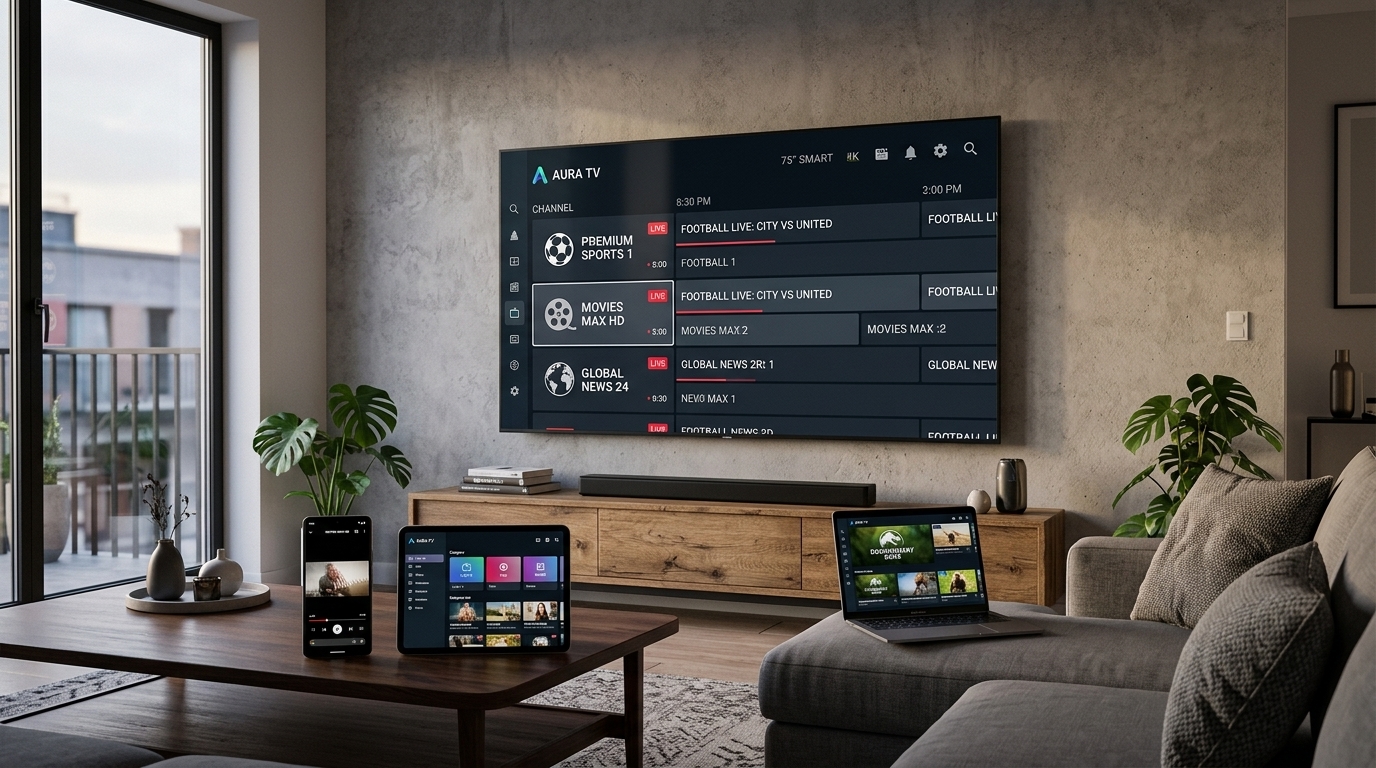
The EPG is the on-screen TV guide that shows what is on now, next, and for the next 7 days across all live channels. A good EPG transforms a list of raw streams into an experience that feels as polished as a traditional TV service.
Supported Devices: Stream on Anything
One of IPTV’s biggest advantages over legacy TV is its device agnosticism. Smarter Stream TV works seamlessly on:
- Amazon Firestick and Fire TV Cube — the most popular IPTV device globally; use TiviMate or IPTV Smarters Pro
- Android smartphones and tablets — direct APK installation or via Google Play
- Android TV boxes (Nvidia Shield, Formuler Z8 Pro, Mecool) — the gold standard for performance
- Samsung, LG, and Sony Smart TVs — via built-in app stores or sideloaded APKs
- Apple TV (4th generation and later) — using GSE Smart IPTV or IPTV Smarters from the App Store
- iPhone and iPad — full support for all major IPTV apps
- Windows PC and Mac — VLC, Kodi, or any M3U-compatible media player
- MAG set-top boxes — configured directly via portal URL, no additional app needed
- Web browser — access your content via any modern browser
You can use it on virtually any device — Firestick, Android, Smart TV, iPhone, Windows, Mac, Apple TV, or any modern browser.
Internet Speed: What You Actually Need
Your broadband speed is the single biggest factor in streaming quality. These are the realistic requirements based on stream bitrate, not the headline figures IPTV marketing often quotes:
| Stream Quality | Minimum Speed | Recommended Speed |
|---|---|---|
| SD (Standard Definition) | 5 Mbps | 8 Mbps |
| HD (720p) | 8 Mbps | 12 Mbps |
| Full HD (1080p) | 12 Mbps | 20 Mbps |
| 4K UHD | 25 Mbps | 40 Mbps |
| 4K HDR | 35 Mbps | 50 Mbps |
Pro tip: Always test your speed at speedtest.net during peak evening hours (7–10 pm) rather than during the day. Peak-hour speeds are often 20–40% lower than morning speeds on many residential broadband connections.
Choosing Between Standard and Premium Plans
Smarter Stream TV offers two plan tiers, each designed for a different type of viewer:
Standard Plan
The Standard plan covers everything a typical household needs for daily streaming:
- 45,000+ live channels in SD and HD quality
- 220,000+ VOD titles
- Full EPG with 7-day catch-up
- 24/7 technical support
Premium Plan
The Premium plan is designed for households that demand the best:
- Everything in Standard, plus 4K Ultra HD channels where available
- Expanded premium sports package
- Priority routing during peak hours — fewer buffers when everyone is online at once
- Dedicated account manager
Which Plan Should You Choose?
For most households, the Standard plan delivers excellent value. If you have more than two people streaming regularly, or you are serious about sports and want premium sports channels in the highest available quality, the Premium plan is the clear choice.
Setting Up in Under 10 Minutes
Getting Smarter Stream TV running is one of the fastest setups in streaming:
- Visit smarterstream.tv/free-trial and request your free trial — no credit card required
- Check your email for your M3U URL and Xtream Codes API credentials (usually within minutes)
- Download your preferred IPTV player on your chosen device
- Open the player, select “Add Playlist”, and paste your M3U URL or enter your Xtream Codes details
- Wait 1–3 minutes for the channel list and EPG to populate
- Start watching
That is all there is to it. No engineer visit, no hardware to order, no waiting for a card to arrive in the post.
Tips for Maximising Your Streaming Experience
- Use Ethernet over Wi-Fi wherever possible. A wired connection eliminates wireless interference and provides more consistent speeds.
- Enable hardware decoding in your IPTV player to offload video processing from the CPU and reduce buffering on demanding 4K streams.
- Connect to the 5 GHz Wi-Fi band if Ethernet is not practical. The 5 GHz band is less congested and offers higher throughput than 2.4 GHz.
- Clear app cache weekly — accumulated cache data can cause sluggish performance and unexpected crashes.
- Bookmark your favourite channels in the player’s favourites section to avoid scrolling through thousands of channels every time you sit down to watch.
Frequently Asked Questions About IPTV
Is IPTV legal? IPTV technology itself is entirely legal. As with any content service, the legality depends on whether the provider has appropriate licensing agreements for the content they distribute.
Do I need a VPN? A VPN is not required for IPTV streaming with Smarter Stream TV. Some users choose to use a VPN to bypass ISP throttling during peak hours, which can improve speeds on certain networks.
Can I use IPTV abroad? Yes. Because IPTV is delivered over the internet, you can use your subscription from anywhere in the world with a sufficient broadband connection.
How quickly is my account activated? Activation is instant. Credentials are emailed within minutes of signing up.
Ready to experience premium IPTV streaming? Start your free trial today and get instant access to 45,000+ channels and 220,000+ VOD titles — on any device, anywhere in the world.
Related Articles
-
 Streaming Guides
The Ultimate IPTV Streaming Guide: Everything You Need to Know in 2024
A comprehensive guide to IPTV streaming — what it is, how it works, which devices support it, what internet speeds you need, and how to choose the right subscription plan.
Smarter Stream TV Team 7 min read -
 Troubleshooting
How to Fix IPTV Buffering Issues: The Complete Troubleshooting Guide
A step-by-step diagnostic guide for resolving IPTV buffering, freezing, and stream quality issues on any device. Covers network problems, player configuration, device performance, and when to contact your provider.
Smarter Stream TV Team 10 min read -
 Technology News
The Future of IPTV Technology: What's Coming in 2025 and Beyond
An in-depth look at the technologies reshaping IPTV streaming — from AV1 codec adoption and AI-driven upscaling to low-latency live protocols, 8K readiness, and the convergence of streaming and social media.
Smarter Stream TV Team 8 min read